Photos, files, and passwords can now be managed securely on a single personal PC, with no monthly subscription fees.
कुछ चित्र, कोड और परियोजना नोट मूल अंग्रेज़ी में हैं।
← वापस · परियोजनाएँ
PROJECT / HOME-SERVER
घरेलू सर्वर प्लेटफ़ॉर्म
Build and operate a practical information platform using only home computing resources, without depending on external cloud providers. Design, implementation, and operational monitoring are all handled solo.
अवसंरचना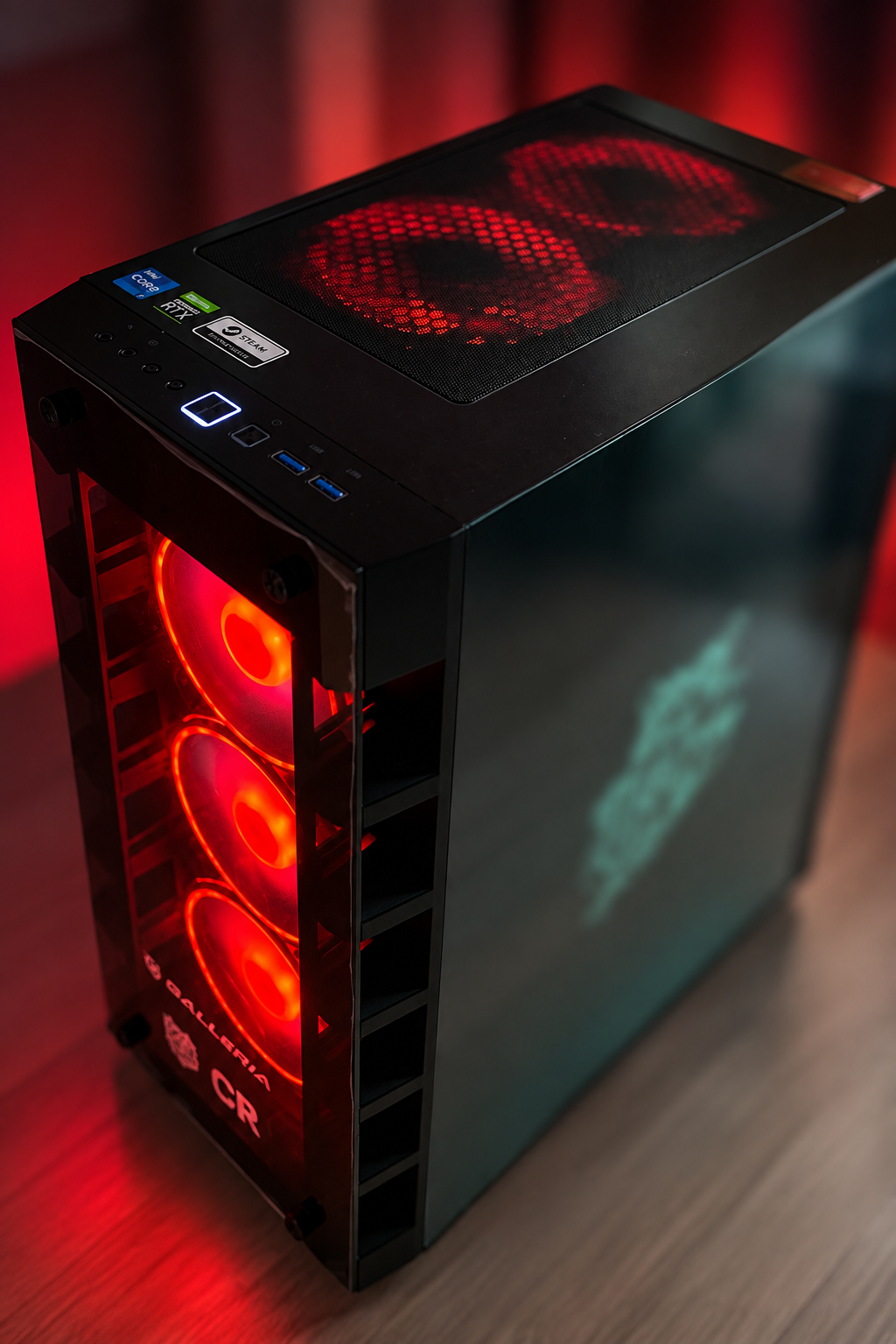
प्रणाली की संरचना
SYSTEMFigure 1 — Requests pass only through the encrypted path and reach services isolated at the container level.
बनाई गई सुविधाएँ
5 capabilitiesCan now securely reach the home PC from outside through an encrypted path, even while away.
Home appliances can now be controlled by voice.
Server anomalies (low disk space, a stopped service, etc.) are now detected automatically, with notifications sent out.
New services can now be added quickly without breaking the existing setup.
तकनीक और उपकरण
Runtime
WSL2DockerDocker Compose
Reverse Proxy / Remote Access
CaddyTailscale
Photos / File Management
ImmichNextcloud
Auth / Password Management
Vaultwarden
Media Streaming
Jellyfin
Home Automation
Home AssistantMosquitto (MQTT)
Local AI
OllamaOpen WebUI
Monitoring / Operations
NetdatantfyWatchtower
Equipment
3 itemsEquipment actually used in this project, with its role and constraints. Each entry is based on a research-log record. Prices and availability are not listed.
Intel Core i7-12700
Used in this buildIntel
- Role
- CPU for every service. It is an everyday desktop PC whose resources are shared, not a dedicated server.
- Limitations & notes
- With everything on one machine, stopping this PC stops every service (single point of failure).
NVIDIA GeForce RTX 3060 Ti
Used in this buildNVIDIA
- Role
- GPU shared by Jellyfin hardware transcoding, Immich machine-learning inference, Ollama local LLMs and ComfyUI image generation.
- Limitations & notes
- Because GPU memory is shared, ComfyUI is started only when needed. The card's board partner is not recorded.
16 GB system memory
Used in this build- Role
- Memory shared by all containers on WSL2 and a robot-development workspace.
- Limitations & notes
- The practical bottleneck. A swap-usage alert above 98% led to memory limits on every container. An upgrade to 32 GB has not been done. Module part numbers are not recorded.
अध्ययन का खाका
Phase 1
Foundation
Set up the virtualization layer and container platform, and established a secure remote access path. Laid the groundwork every later service runs on.
Phase 2
Data Migration
Gradually moved photos, files, and credentials that had been scattered across external cloud services onto the self-hosted platform, verifying integrity at each step.
Phase 3
Security Hardening
Audited the entire exposed surface, identified unnecessary exposure, and redesigned around the principle of least privilege, building in an ongoing audit process.
Phase 4
Extensibility
Introduced a reverse proxy and a monitoring platform, restructuring the setup so new services can be added quickly and with low risk.
Ongoing
Ongoing Operations
Continuing to expand into smart-home territory alongside day-to-day monitoring and maintenance, growing the platform through repeated cycles of planning and implementation.