Photos, files, and passwords can now be managed securely on a single personal PC, with no monthly subscription fees.
일부 그림, 코드, 프로젝트 기록은 영어 원문을 사용합니다.
← 돌아가기 · 프로젝트
PROJECT / HOME-SERVER
홈 서버 플랫폼
Build and operate a practical information platform using only home computing resources, without depending on external cloud providers. Design, implementation, and operational monitoring are all handled solo.
인프라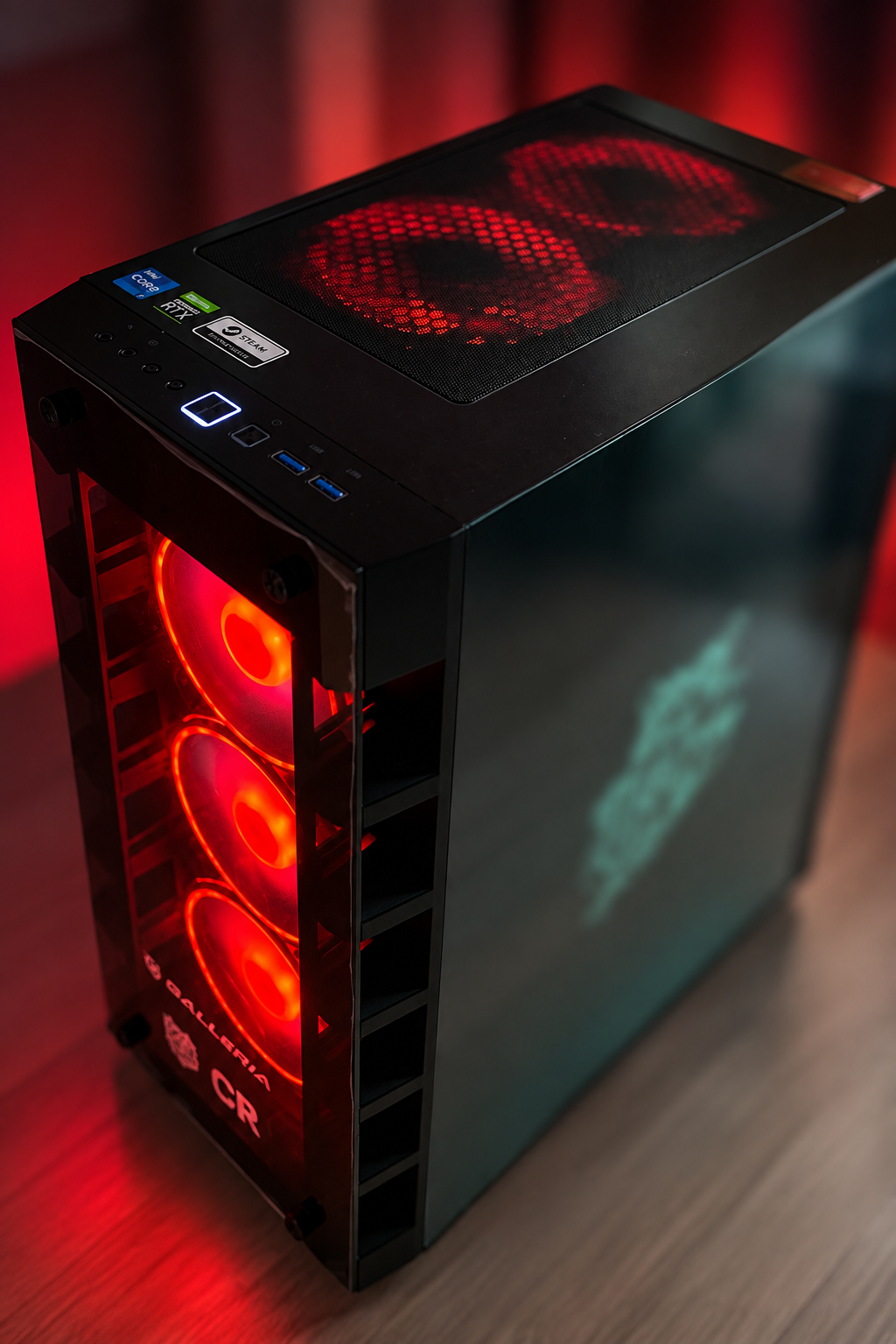
시스템 구성
SYSTEMFigure 1 — Requests pass only through the encrypted path and reach services isolated at the container level.
구현한 기능
5 capabilitiesCan now securely reach the home PC from outside through an encrypted path, even while away.
Home appliances can now be controlled by voice.
Server anomalies (low disk space, a stopped service, etc.) are now detected automatically, with notifications sent out.
New services can now be added quickly without breaking the existing setup.
기술과 도구
Runtime
WSL2DockerDocker Compose
Reverse Proxy / Remote Access
CaddyTailscale
Photos / File Management
ImmichNextcloud
Auth / Password Management
Vaultwarden
Media Streaming
Jellyfin
Home Automation
Home AssistantMosquitto (MQTT)
Local AI
OllamaOpen WebUI
Monitoring / Operations
NetdatantfyWatchtower
Equipment
3 itemsEquipment actually used in this project, with its role and constraints. Each entry is based on a research-log record. Prices and availability are not listed.
Intel Core i7-12700
Used in this buildIntel
- Role
- CPU for every service. It is an everyday desktop PC whose resources are shared, not a dedicated server.
- Limitations & notes
- With everything on one machine, stopping this PC stops every service (single point of failure).
NVIDIA GeForce RTX 3060 Ti
Used in this buildNVIDIA
- Role
- GPU shared by Jellyfin hardware transcoding, Immich machine-learning inference, Ollama local LLMs and ComfyUI image generation.
- Limitations & notes
- Because GPU memory is shared, ComfyUI is started only when needed. The card's board partner is not recorded.
16 GB system memory
Used in this build- Role
- Memory shared by all containers on WSL2 and a robot-development workspace.
- Limitations & notes
- The practical bottleneck. A swap-usage alert above 98% led to memory limits on every container. An upgrade to 32 GB has not been done. Module part numbers are not recorded.
학습 로드맵
Phase 1
Foundation
Set up the virtualization layer and container platform, and established a secure remote access path. Laid the groundwork every later service runs on.
Phase 2
Data Migration
Gradually moved photos, files, and credentials that had been scattered across external cloud services onto the self-hosted platform, verifying integrity at each step.
Phase 3
Security Hardening
Audited the entire exposed surface, identified unnecessary exposure, and redesigned around the principle of least privilege, building in an ongoing audit process.
Phase 4
Extensibility
Introduced a reverse proxy and a monitoring platform, restructuring the setup so new services can be added quickly and with low risk.
Ongoing
Ongoing Operations
Continuing to expand into smart-home territory alongside day-to-day monitoring and maintenance, growing the platform through repeated cycles of planning and implementation.